English Lesson Authoring Tool
Educational Product Design·4 min read
Building a lesson was only half the work — every revision often meant starting over. I redesigned the authoring tool to preserve progress, expose editing in the UI, and remove unnecessary handoffs. Within a month the new workflow was in production, and the team was three weeks ahead of schedule.
Team
- Ashlee Oropeza
- Mary See
- Katie Robison
Role
Sole UX/UI Designer & Developer
Timeline
4 weeks
Type
Educational Lesson Authoring Tool
Tools
HTML, CSS, JavaScript
Background
Our team produced interactive English lessons that also had to survive validation, content revisions, and proofing before going live.
Problem
Progress couldn't be saved and revised through the existing workflow, so even minor updates could mean rebuilding a lesson from scratch.
Solution
Integrate authoring into the interface so content teams could edit, save, and export without depending on us for every change.
Outcome
Initial authoring dropped from about 60 minutes to 20, revision rounds roughly halved, and the team finished three weeks ahead of schedule.
Role
My role
Sole UX/UI designer and developer for the redesign: MVP, interface, front-end, legacy integration, English-team feature requests, and production stabilization — while keeping the student experience unchanged.
Problem
The cost of starting over
Our team built interactive English lessons that still had to move through validation, content revisions, and proofing. When the English team requested changes, work often came back to us to rebuild — because progress couldn't be saved and revised through the existing workflow.
A minor content correction could trigger the same production steps as a substantial change.
Friction in the old UI
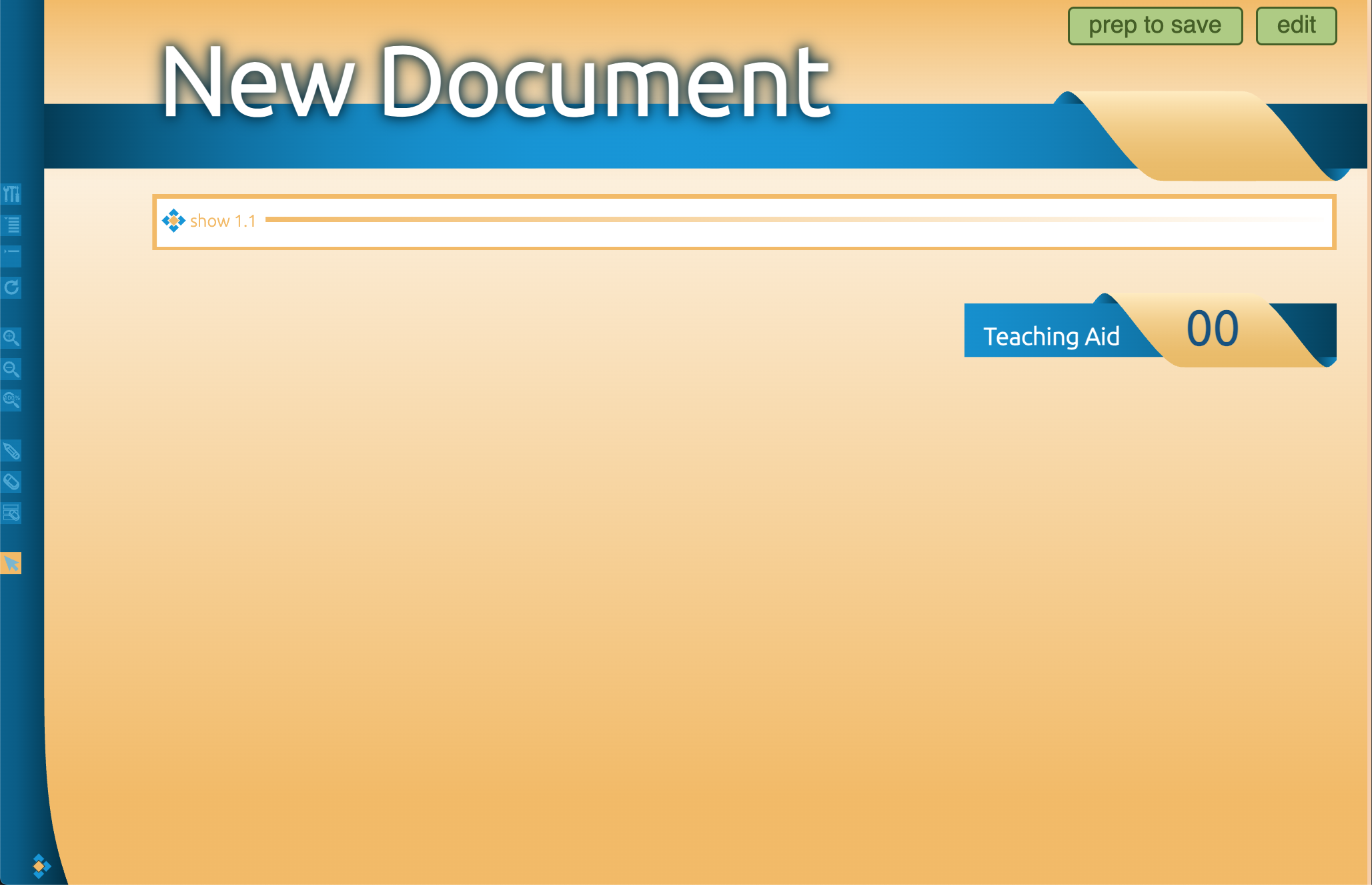
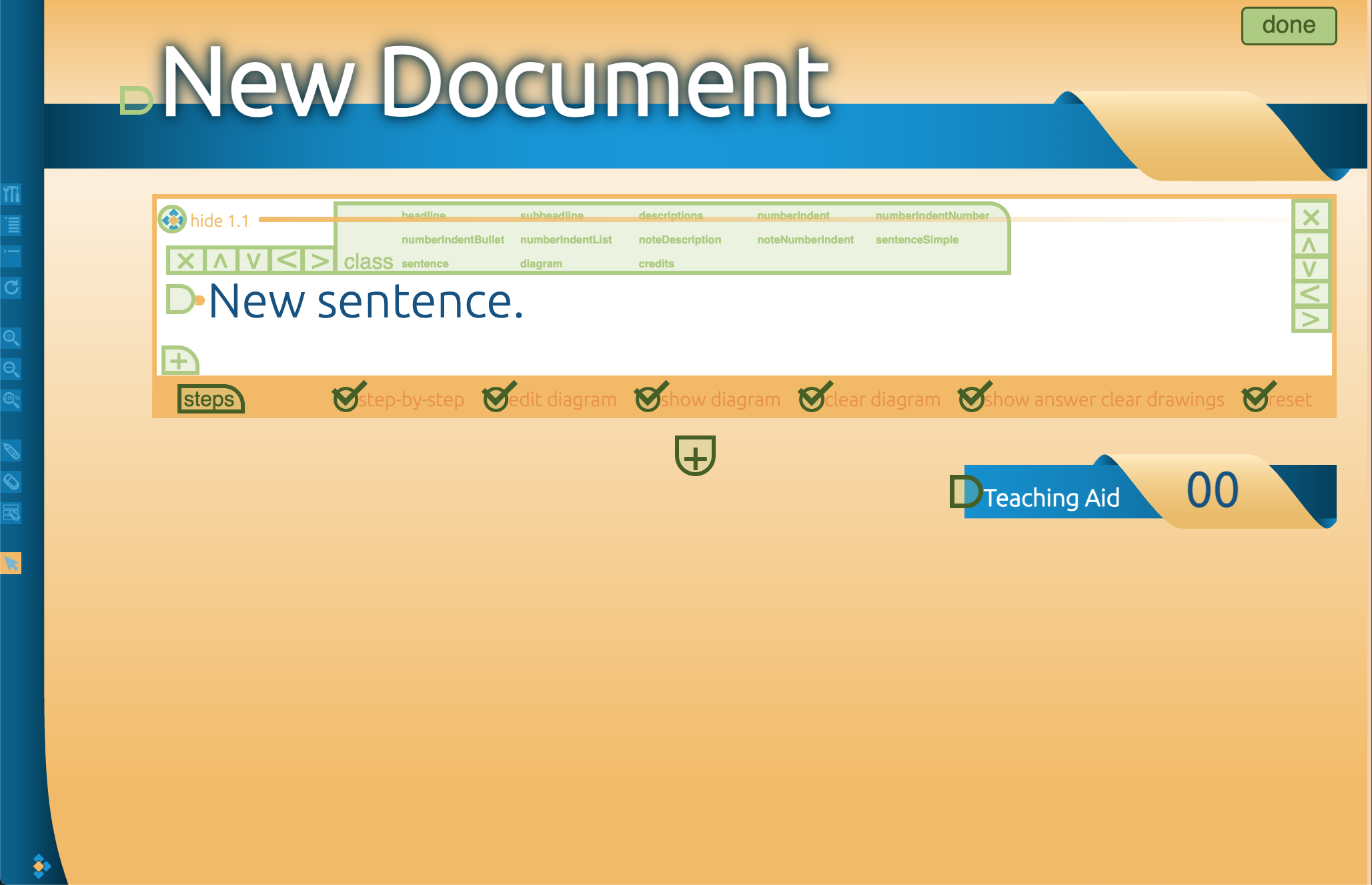
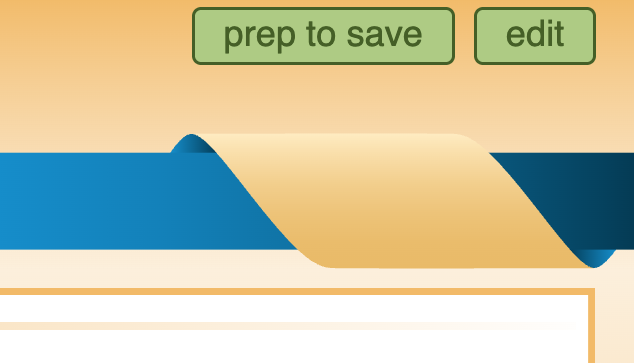
Day-to-day authoring meant opaque save steps, caret-style block controls, and editing text through browser prompts instead of on the page.
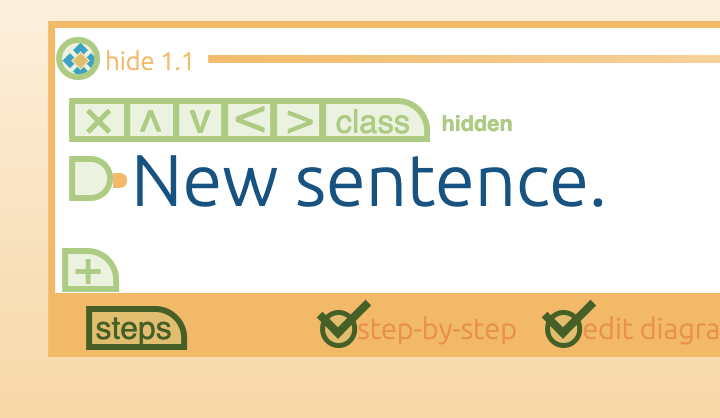
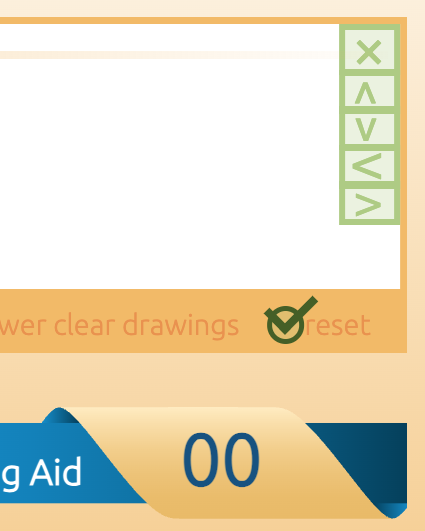
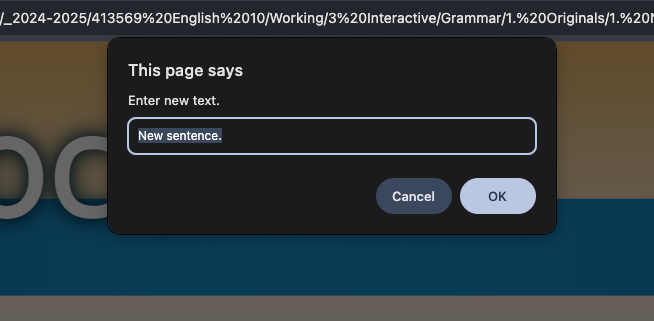
The existing workflow
A typical authoring pass took around an hour. We estimate five to six revision rounds before a lesson went live. Other departments could spot what needed to change — they still depended on us to implement it.
01
Build
Our team authored the lesson from scratch.
02
Validate
The project manager checked it against English-team content.
03
Rebuild
Requested changes returned to us — often another full authoring pass.
04
Proof
Proofing could send it back through the same cycle again.
The opportunity
Instead of making our team responsible for every stage, what if we created the initial structure and let the teams responsible for the content manage it directly?
01
Persist progress
Revise an existing lesson instead of recreating it.
02
Expose authoring in the UI
Give non-developers the tools without code edits or popup windows.
03
Own corrections at the source
Let content teams fix issues as close as possible to where they appear.
Design Evolution
Phase 1: A personal MVP
I hadn't worked on this tool before, so I learned the system while building a modernized authoring MVP on my own. Stakeholders saw a larger opportunity: the English team could take over authoring instead of relying on us for every build and revision.
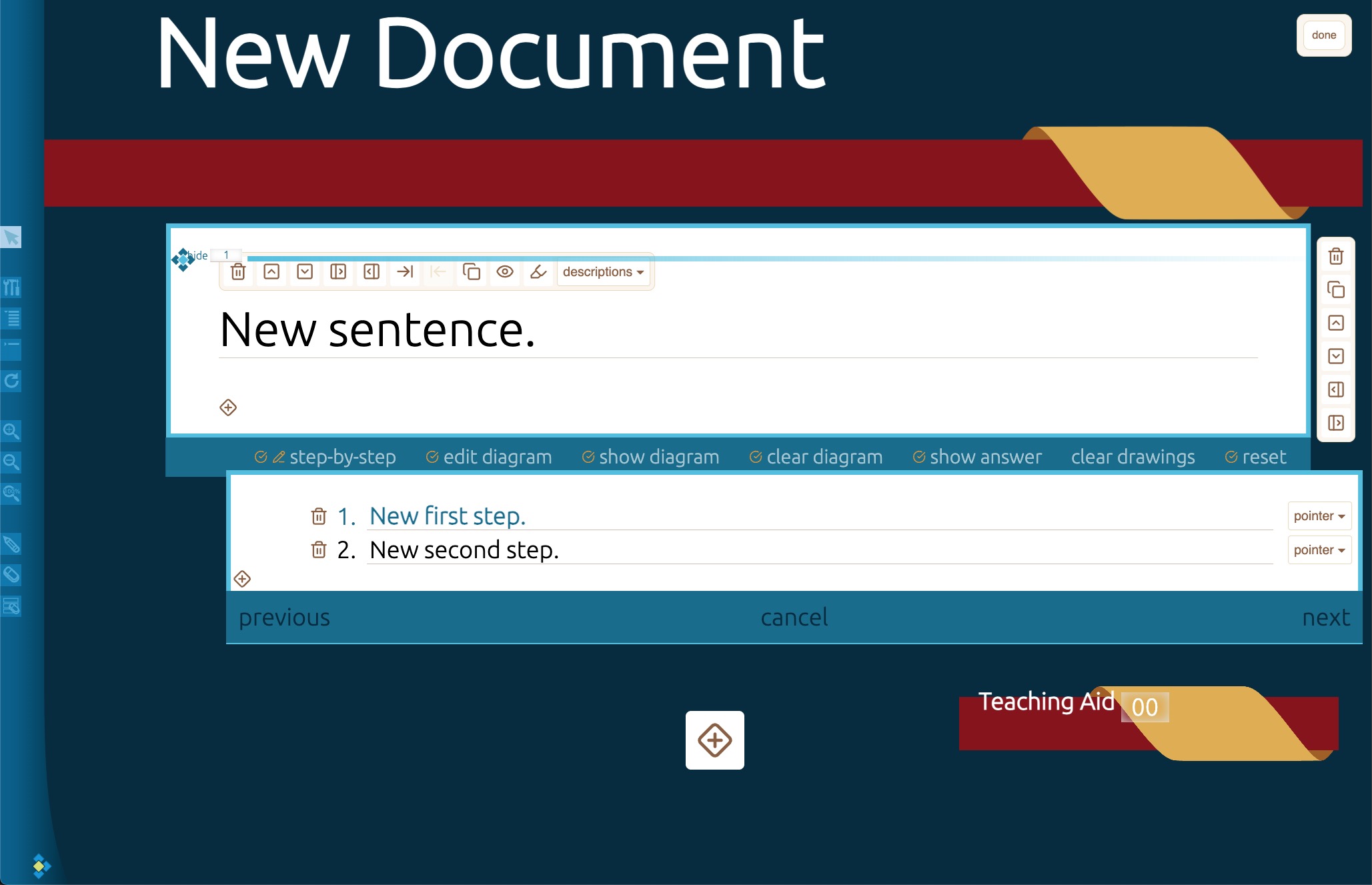
Phase 1 — Personal MVP
Phase 2: Integrating with the legacy system
The student-facing experience had to stay exactly as it was. I couldn't replace the implementation wholesale — new authoring features had to land in the original files. Four weeks to integrate and deliver the first lesson.
Phase 2 — Legacy integration
Phase 3: Stabilizing the workflow
Recurring problems fell away. Lessons no longer needed reconstruction after every feedback round. Once that process stabilized, production pace changed dramatically.
Phase 3 — Stabilized workflow
Authoring Experience
Authoring stopped being a code-adjacent chore. Inline formatting, clearer block controls, and safer deletes meant the English team could revise content the way they already thought about it.
Tools in the interface
Roughly 40% of authoring tasks used to require code edits or popup windows. The redesign brought those operations into recognizable groups so the English team could build and revise without touching the underlying code.
Text blocks
Titles, body, lists — structured in the canvas.
Media
Images and assets without leaving the workspace.
Activities
Sentence activities and diagram builders.
Sentence & word tools
Tagging, case, and grammar markup in-place.
Features that changed the daily work
Beyond persistence and export, I pushed authoring closer to how content people already think: format in place, reuse blocks, and make mistakes recoverable.
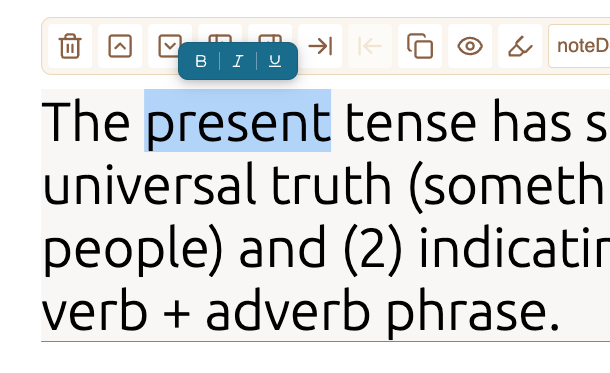
Inline editing instead of popups
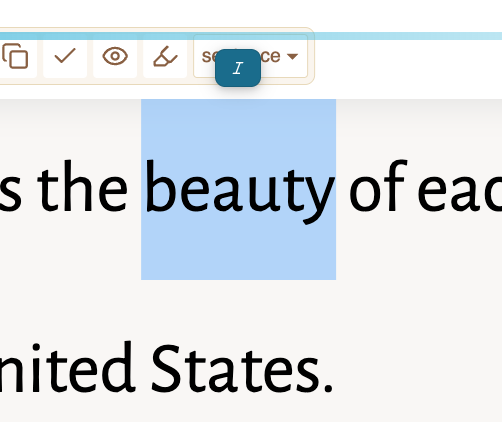
The old flow asked for text in a browser prompt. The new one lets you select on the page and apply bold, italic, or underline — and set sentence activities to italic — without leaving the canvas.
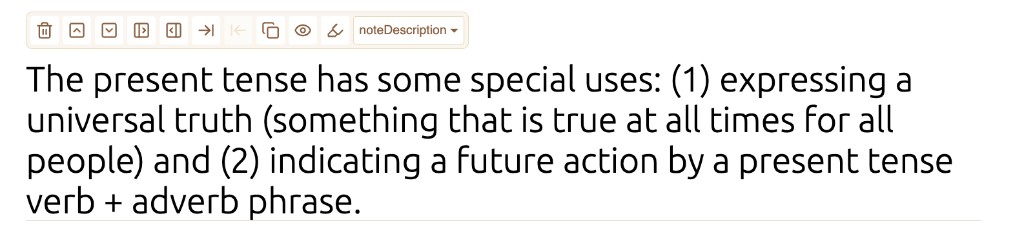
Readable block controls + duplicate
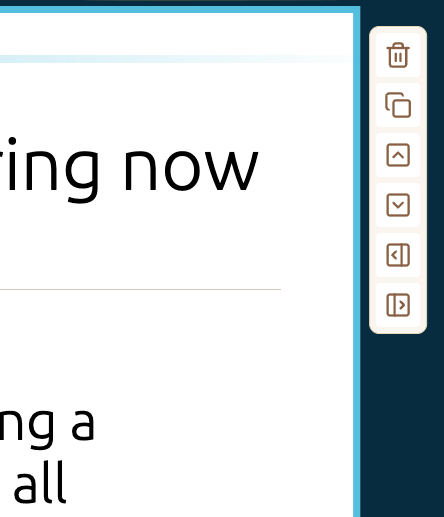
Caret-style green buttons gave way to clearer icons for delete, reorder, indent, and preview — plus the ability to duplicate an entire activity block.
Safer deletes, clearer save
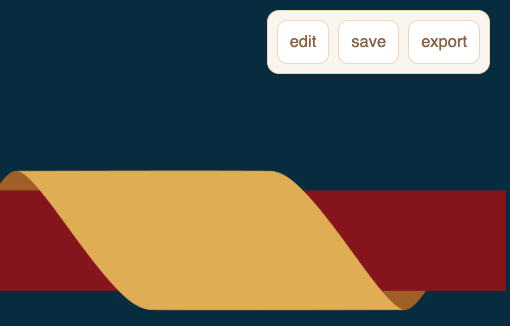
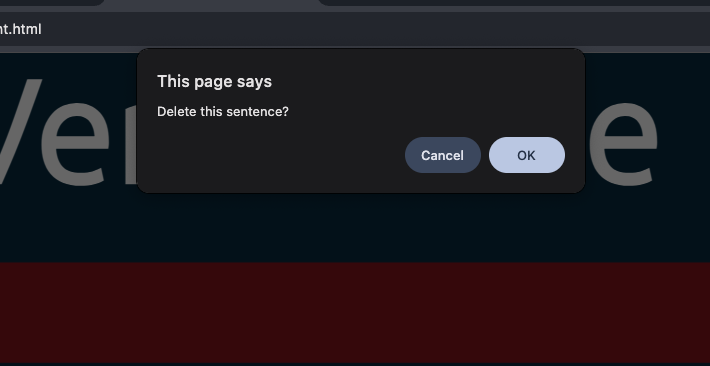
Destructive actions now confirm first. Save and export sit in the header instead of a prep-to-save step that did not feel like continuing work.
Preserve progress, then export
The biggest improvement wasn't a particular button. It was continuing work on an existing lesson. Saving and exporting became part of the workflow — a single self-contained HTML file — so handoff no longer meant manually minimizing and combining files.
Constraints
What mattered most
Integrating into the legacy codebase meant the authoring view didn't always render as cleanly as I wanted. Controls competed for space. With a four-week deadline, a full editor restructure risked the student-facing experience we had to preserve.
Validating the tradeoff
I asked the English team what mattered most. Their priority was the finished lesson for students — not polish inside the authoring workspace. The project manager agreed: if the structure wasn't breaking the workflow, it didn't need a rebuild for visual sake.
Ship reliable authoring and remove bottlenecks. Perfect the chrome later — if it still needs it.
Pipeline
From handoffs to shared ownership
The original process depended on our team at nearly every stage where a lesson needed to change. The new workflow distributed that responsibility.
Before
Sequential handoffs
Our team built, revised, rebuilt, and fixed proofing issues. The cycle repeated until the lesson went live. Every content change depended on the same bottleneck.
After
Shared ownership
We create the lesson shell. The English team adds and revises content. Proofers correct eligible errors themselves. Work no longer returns to us for every change.
Designed for adoption
The English team took the tool without a formal walkthrough. That mattered: a tool that still needed us to explain every operation would have preserved the dependency we were trying to remove.
Impact
Initial authoring pass
60 min→20 min
A 67% cut on the first pass — and subsequent revisions no longer meant another full rebuild.
Revision rounds
5–6→2–3
Content still changes. Those changes stay with the team responsible for the content.
Independent ownership
The English team took over authoring. Proofers gained the ability to correct eligible errors. Routine revisions stopped routing through our team by default.
Three weeks ahead
On October 16, 2026, the project manager confirmed the team was three weeks ahead of the PCA production schedule, with C-6 and G-17 through G-20 uploaded — and our work already through G-28. The schedule lead was a team outcome; the redesigned workflow removed several of the bottlenecks that had slowed production before.
Reflection
What I learned
This started as a chance to modernize an interface. It became a lesson in designing for the system around a product — real users, changing content, and a workflow that has to hold under production constraints.
The hardest part wasn't adding features. It was making them work inside the legacy system without disrupting students. Good design doesn't always mean perfecting every surface. Sometimes it means validating which problems matter most, then deciding what to improve now.
A lesson that takes 20 minutes to create is useful. A lesson that can be revised without rebuilding is better. A workflow where content owners make those revisions themselves is better still.
Build the tool around the way work actually moves, and the impact extends far beyond the interface.